Step-by-step instructions for setting up CliQ
Installation
1. Begin the installation process by clicking here.
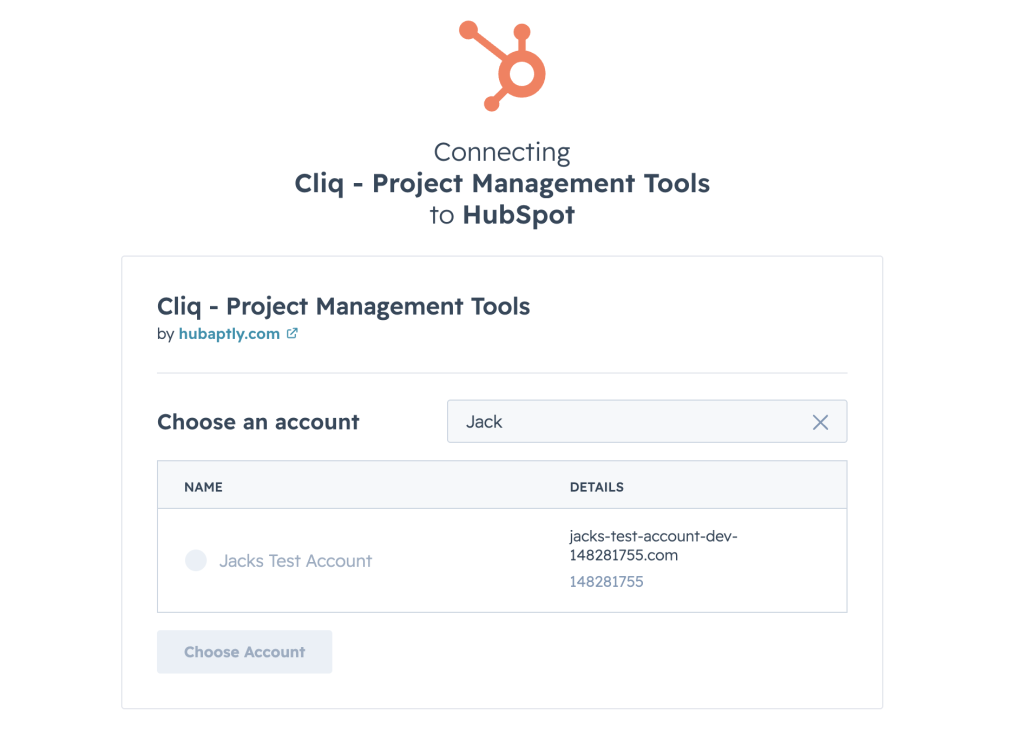
2. If you have access to multiple HubSpot accounts, you’ll be asked to choose the account you’d like to install the app into. Choose your preferred account and continue.
3. The following page describes the HubSpot permissions the requires to function. Review the permissions and click Connect App.
4. Set up complete. You’ll now be able to configure your project management tools and time tracking inside HubSpot.